Prepare the device you will actually use
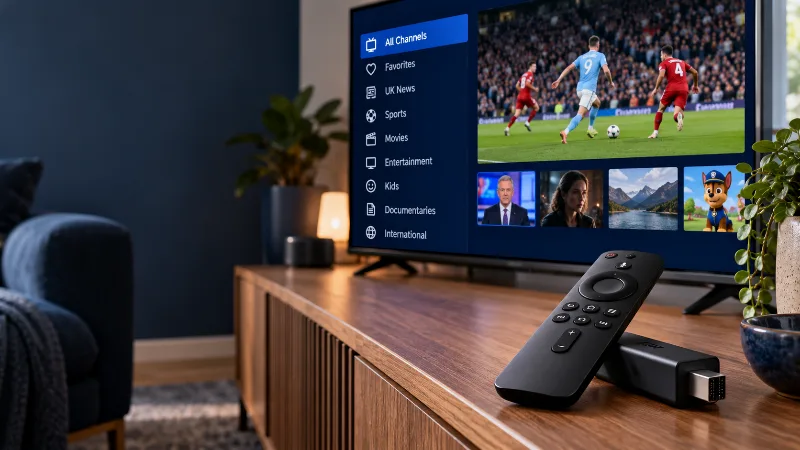
Test on the television or streaming device you expect to watch regularly. Install a compatible player and check whether it has a separate licence requirement. Keep the activation details private and use the setup guide for your device.
Write down the device model, player name and connection type. These notes give you a reference if you try another setup later. They also make it easier to ask for help without repeating the entire installation process.
Choose a small, realistic watch list
List a few live channels and the kinds of films or series you normally watch. Search for those first. Do not treat an illustrative website image or a large catalogue description as a substitute for checking the actual trial.
For each item, record whether you found it, whether it played and whether its available quality suited your screen. If a preferred item is missing, ask about that specific item before you buy. This turns the trial into a decision about your household rather than a race to browse everything.
Test ordinary viewing, not only the first minute
Spend time watching something as you normally would. Check sound, subtitles where offered, and the remote controls you use most often. Try moving between live TV and on-demand content, then return to a familiar item.
If you see a problem, note the time and try a second channel before changing settings. Keep the device and connection consistent when making comparisons. Our buffering checklist can help you record a useful result rather than guessing at the cause.
Check the guide and any catch-up you need
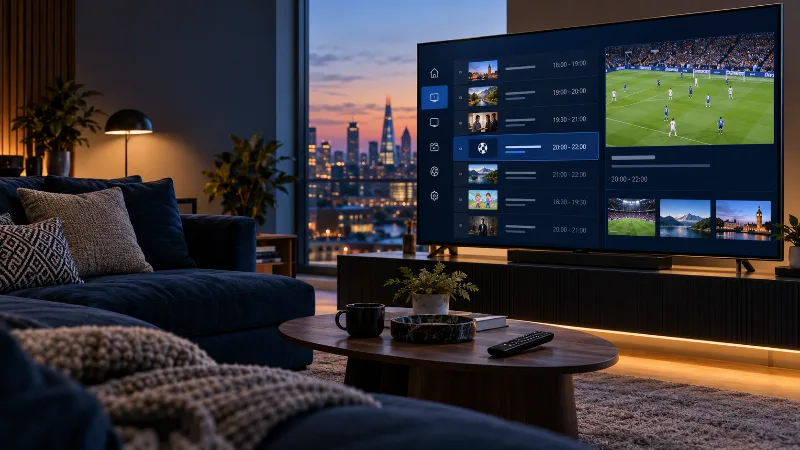
Open the TV guide and look at the programmes shown for the channels you selected. Check whether your device time is correct. If catch-up matters to you, try a channel that actually supports it; do not assume it is available on every stream.
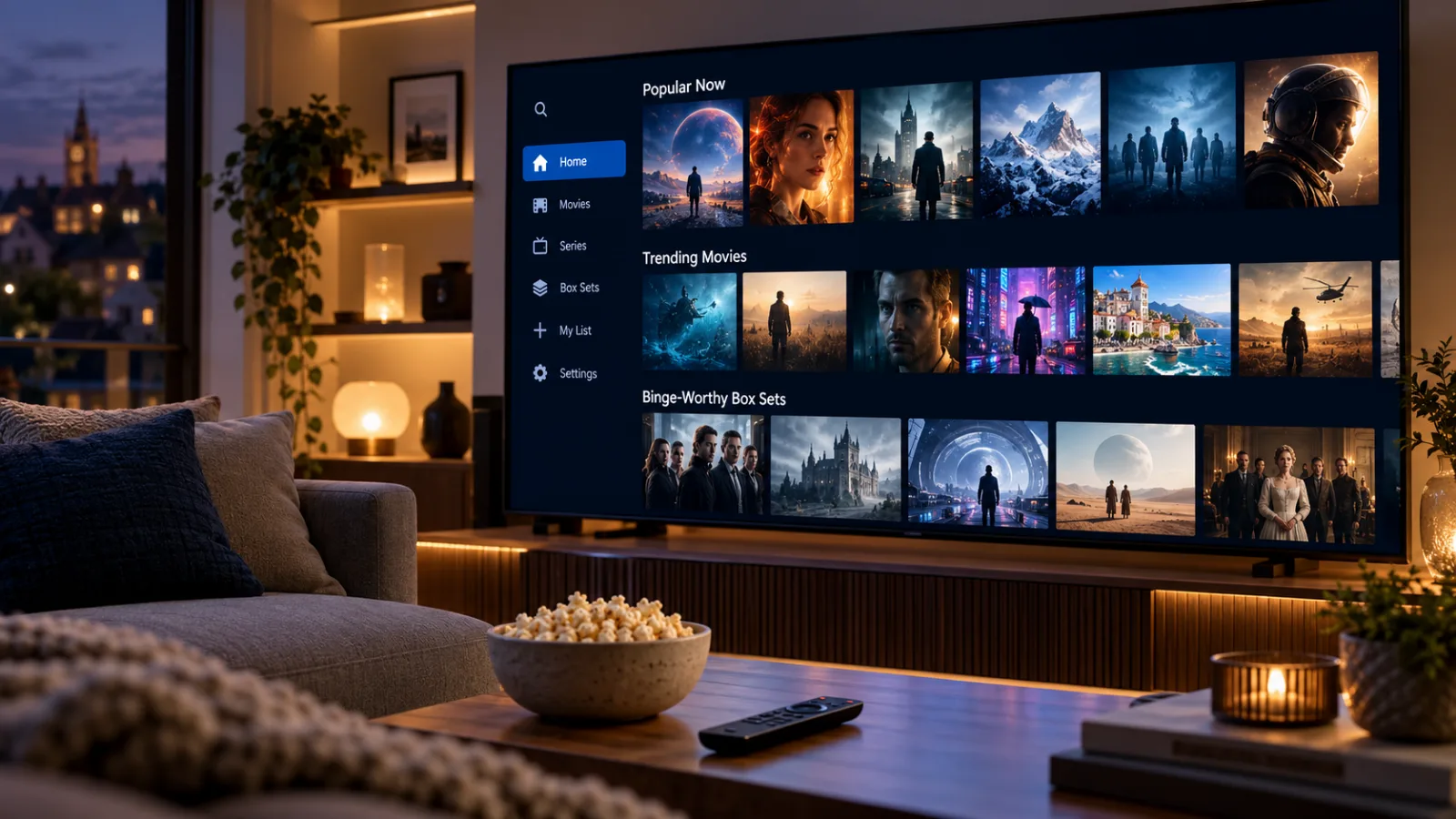
On-demand browsing and live television are different tasks. Test both if you plan to use both. Check that the player displays the categories you need and that navigating them with your remote feels comfortable. A setup that works technically should also be straightforward to use.
Compare the total payment after the trial
When the trial ends, review your notes before choosing a duration. BuyBritishIPTV currently lists £12.99 for 1 month, £24.99 for 3 months, £38.99 for 6 months, £54.99 for 12 months. These are upfront plan payments; the monthly equivalent is a comparison, not a monthly billing schedule.
Confirm the terms you need before paying, including player fees and how renewal works. If your trial left an important question unanswered, ask it first. A longer plan is only a useful saving when the setup already suits the way you watch.
Your next step
Use what you learned on your own device, then choose a setup or plan that answers your needs.